

Start here!
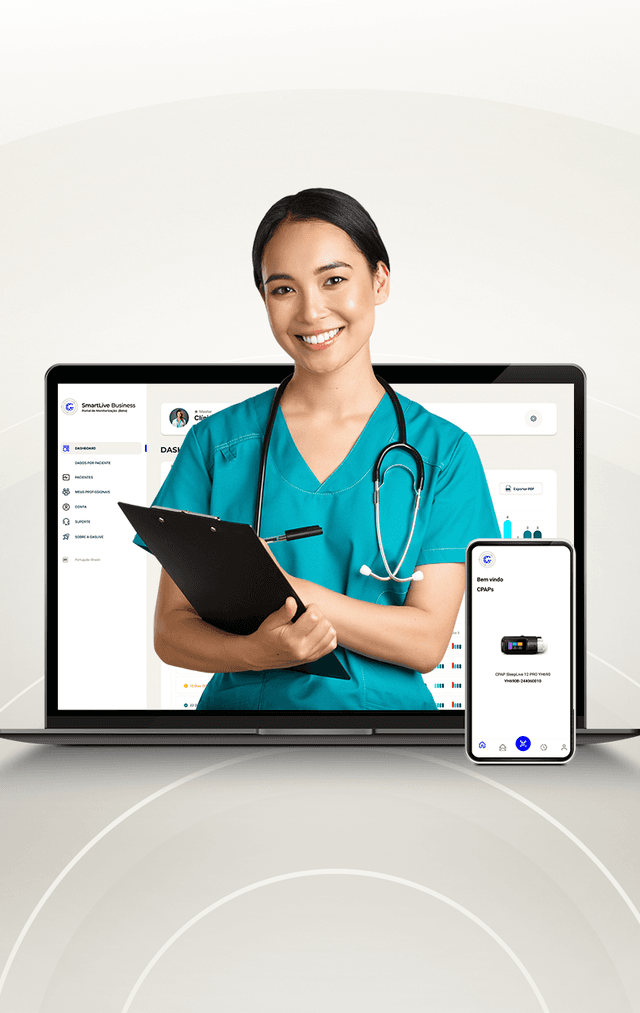
Choose your account type, register and access your patient's therapy data in a different way!

Start here!
Choose your account type, register and access your patient's therapy data in a different way!


Companies and Institutions
For resales, hospitals, healthcare companies.
ACCESS PORTAL
Clinicians
for doctors, physiotherapists and other healthcare professionals.
ACCESS PORTAL

CREATED FOR ENTREPRENEURS
Manage your patients and your business within a smart portal.

For businesses
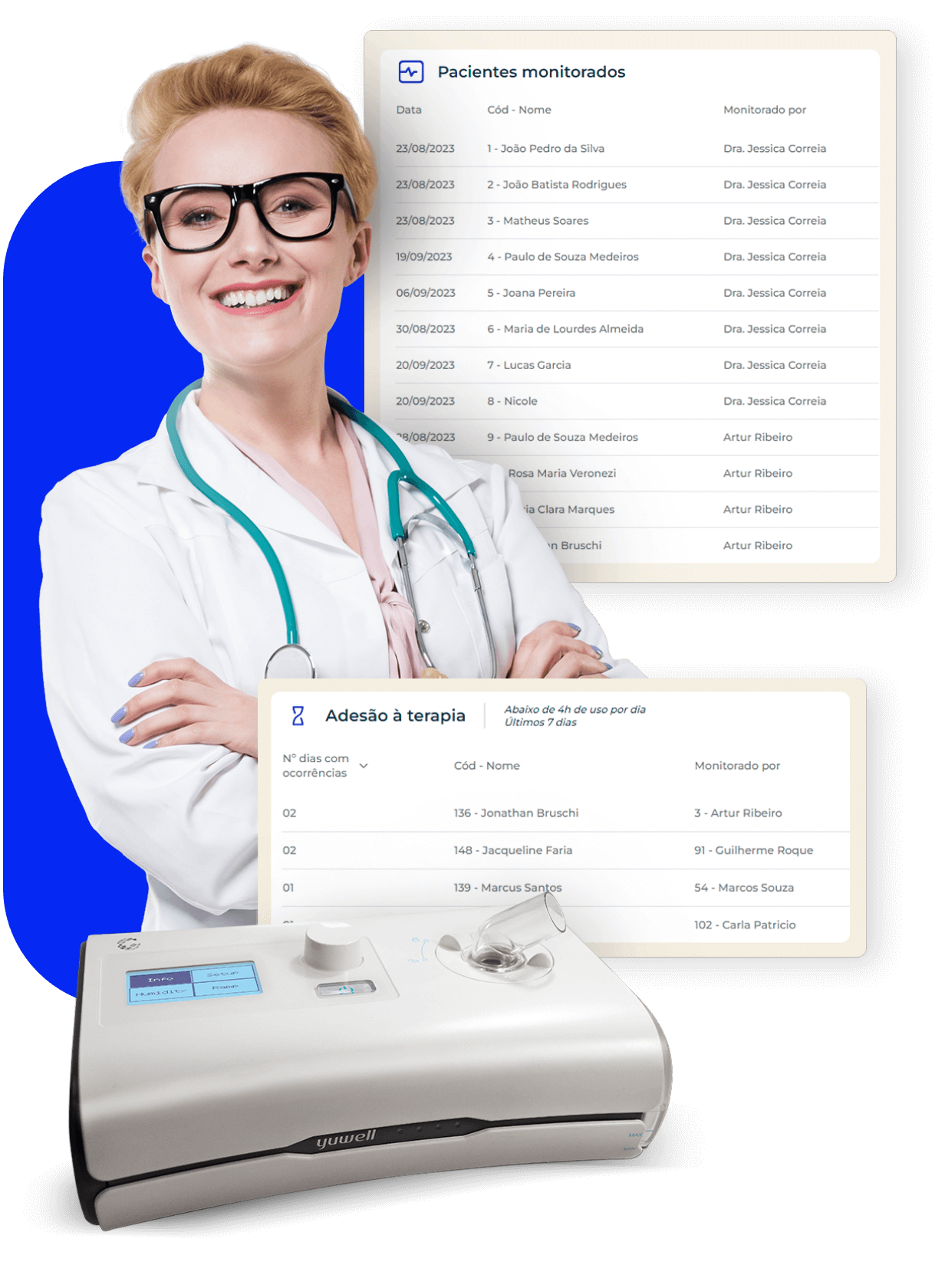
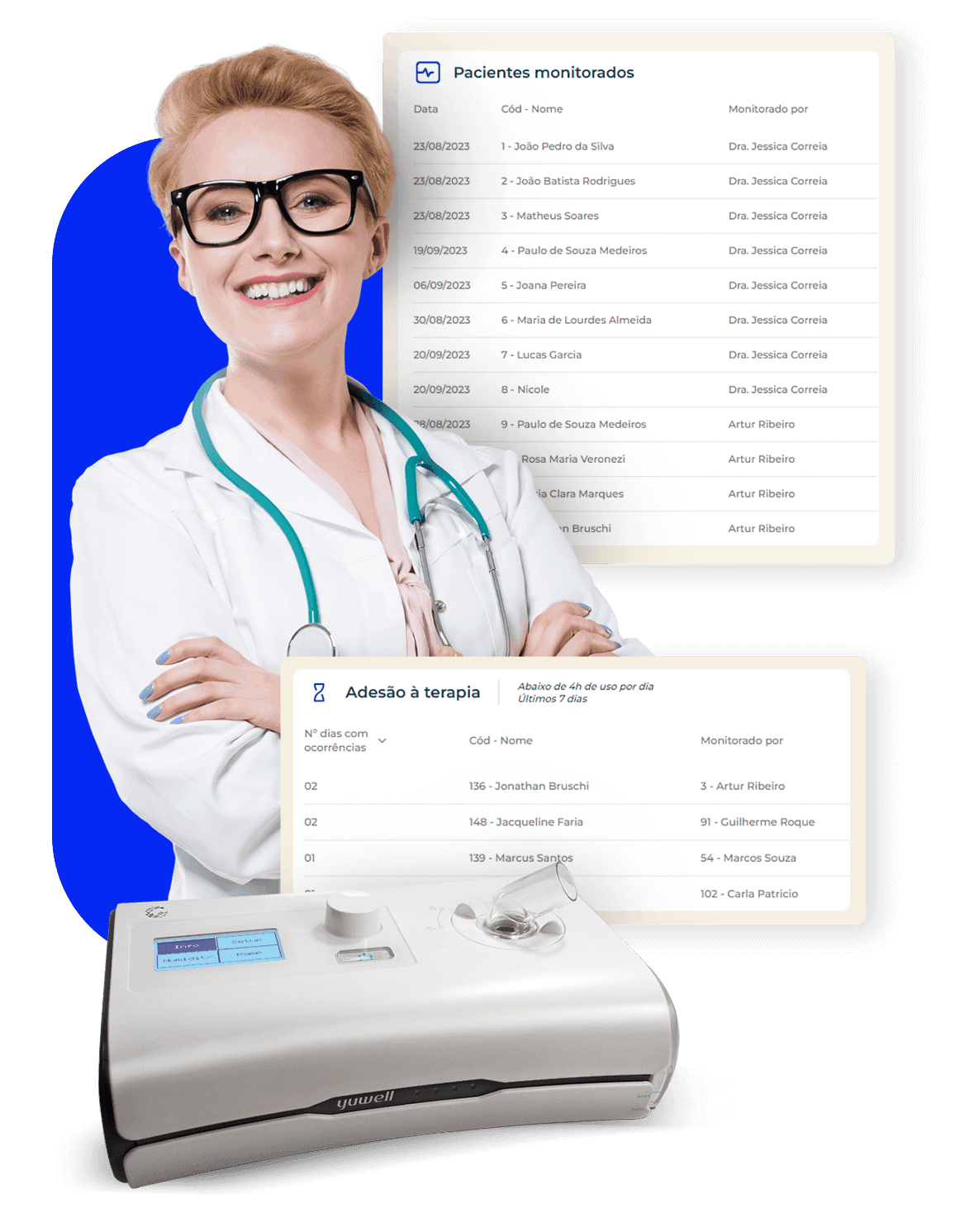
Manage your patients, your team of healthcare professionals and monitor the progress of each patient you care for.
Save time remotely managing your patients, generating personalized reports and direct access to Gaslive Assist training and assistance.

For Healthcare Professionals
An intelligent, simple and designed platform so that you have more time caring for your patient.
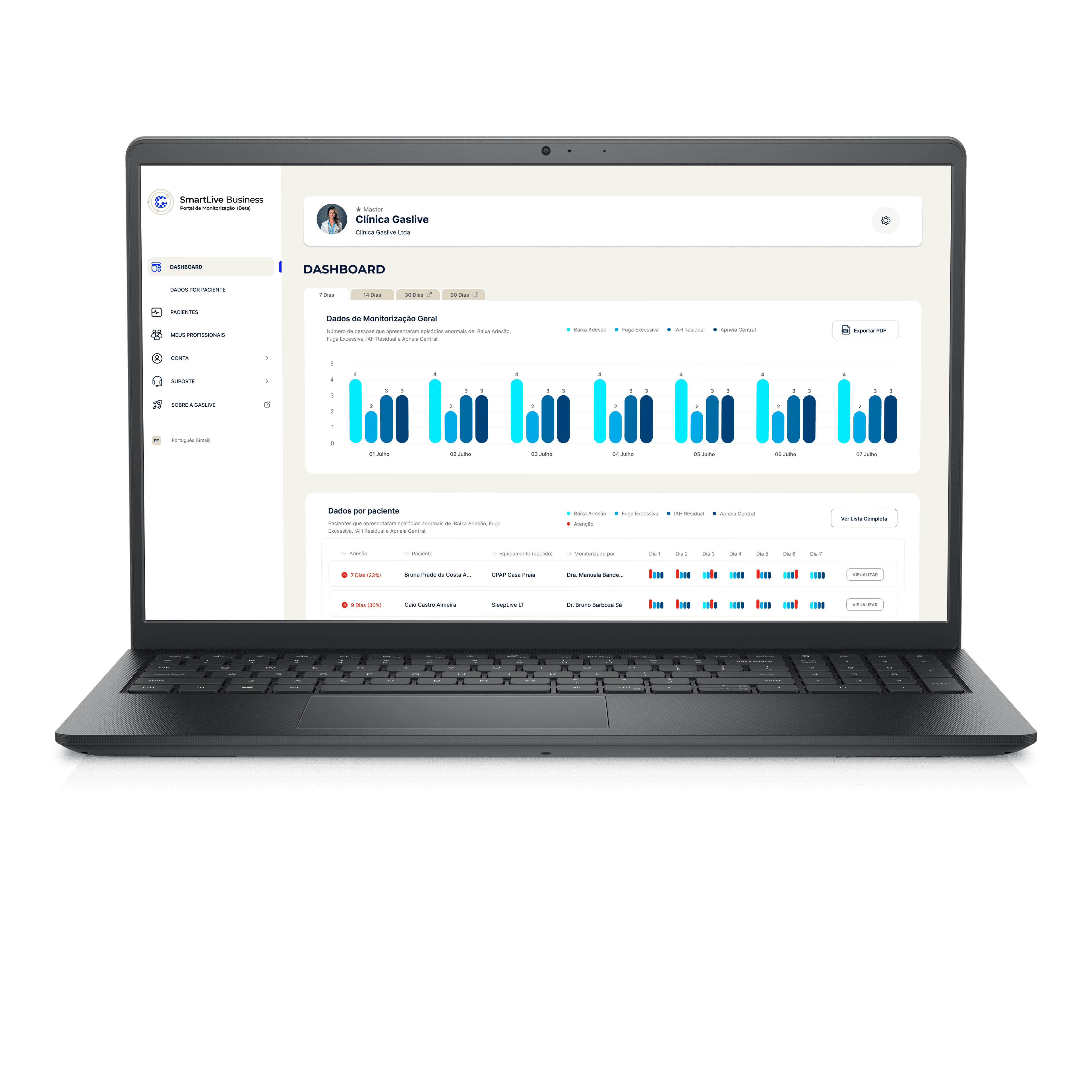
Access complete therapy graphs, export PDF reports and view your patients's progress through a complete dashboard.
REMOTE ADJUSTMENT HAS ARRIVED!
The SleepLive CPAPS line is equipped with remote parameter adjustment.
*Only for devices with 4G connectivity.

REMOTE ADJUSTMENT HAS ARRIVED!
The SleepLive CPAPS line is equipped with remote parameter adjustment.
*Only for devices with 4G connectivity.

Greater convenience for healthcare professionals and greater efficiency in patient treatment.
Check out the main benefits:


Resource Savings
Save calls and texts trying to inform your patient that their CPAP configuration needs to be updated.

Schedule Management
Free up healthcare professionals' schedules from simple equipment configuration tasks. Extra time to serve more patients and increase earnings

Convenience for the Patient
Enjoy the convenience of not having to take the device to a healthcare professional's office, eliminating any risk of damage or disconfiguration
DESIGNED FOR PATIENTS
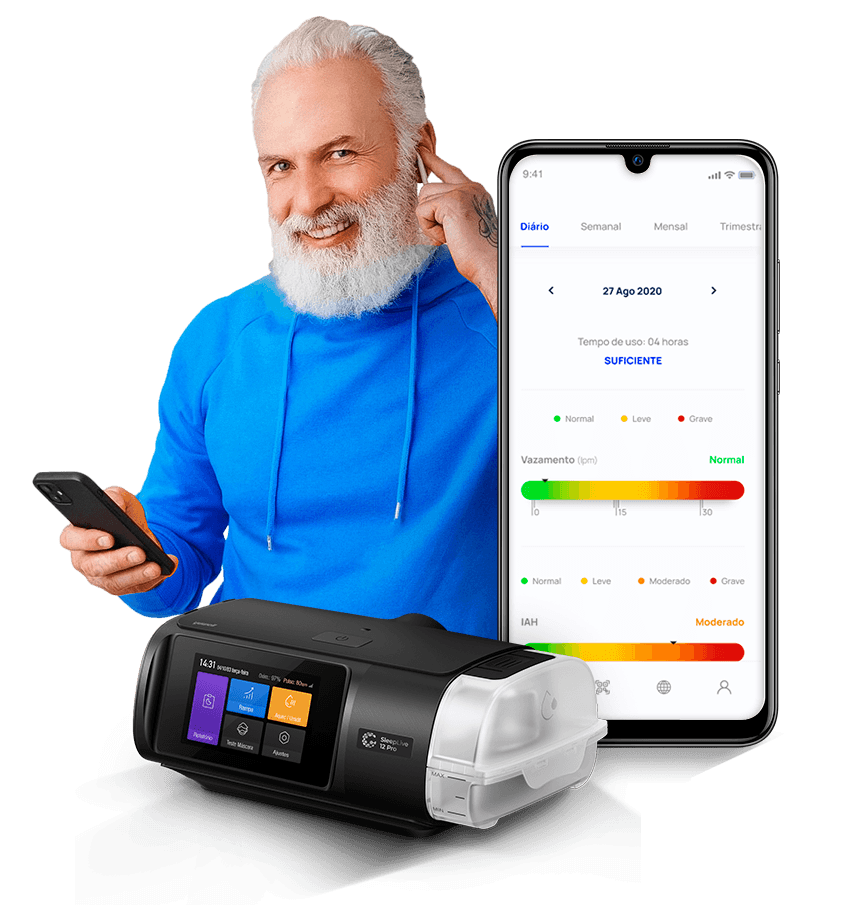
Monitor the progress of your therapy wherever you are

Main indicators
Get information about AHI (Apnea Hypopnea Index), usage time and detection of the level of air leak from the mask.

Generate Reports
Detailed reports for the last 30 days with specific dates and share in PDF format with anyone you want.
SAFE AND SECURED DATA
Generate daily, weekly, monthly, quarterly, semi-annual, and annual reports to share in PDF format with anyone you want.

Your History in a Few Clicks!
SleepLive CPAP reports from wherever you are, in a simple and practical way.

Don't worry, all your data is here!
We migrate your patients' therapy history, continue monitoring without losing any information.
MAIN DIFFERENTIALS
Intelligence and technology aligned in patient care

Accurate reporting
Get patient usage data with therapy mode used, device usage averages and dynamic graph visualization for accurate and detailed assessment.

Recently registered patients
Simplified and intuitive dashboard so you can focus on what matters most: your patient's health!

Designed to be agile and efficient!
Manage your patients in the best way possible: locate, register, delete, request monitoring. The management is yours!

Dynamic Charts
Hover over the bars in the graphs to see more detailed and accurate data.

Oximetry at a plug!
Enrich your therapy data with the Gaslive oximetry sensor. Real-time oxygen saturation and heart rate on the device and in the analysis reports!

Bring your data! (NEW!)
Now with SD card and pen drive reading, SmartLive brings another tool for monitoring your patient.

WANT TO KNOW MORE?
Visit our YouTube channel and learn more about SmartLive
Dúvidas frequentes
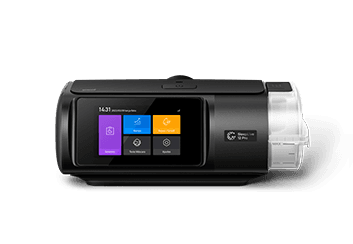
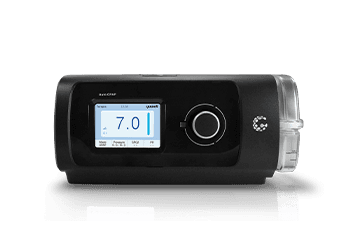
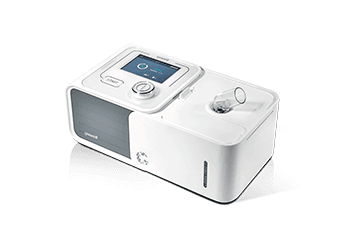
Compatible CPAP models are:
- SleepLive 12 Pro: 4G
- SleepLive: 4G, with Wi-Fi and without Wi-Fi (Pen drive or SD Card)
- SleepLive LT: 4G, with Wi-Fi and without Wi-Fi (SD card)
The serial number is located on the bottom of the device, starting with the model prefix + a letter + a symbol (dash or asterisk) + a 9-digit number sequence. For the SleepLive 12PRO model, the serial number is located on the back of the device. Examples: YH550A*999999999 / YH480-999999999
To reset your password, on the login screen click on “Forgot password”. An email will be sent to inform you of a new one.
The Wi-Fi network configuration steps are exemplified step by step in this video from our YouTube channel: https://www.youtube.com/watch?v=KVzoLPesqLo . Just follow them correctly for your to a successful connection.
Reports can be extracted by accessing the quick shortcuts for 7, 14 or 30 days. Furthermore, the professional can extract the daily report by entering the same date in the corresponding fields or any different period they wish, by entering the desired dates in the fields.
Reports can be extracted in PDF format for printing or sending by email.
The reseller or healthcare professional can extract a report for any period they wish.
The data displayed in the report are: data from the last therapy, use during the period, and analyses. Below, the corresponding graphs for use, leak, pressure, events and snoring. If the patient is using the oximetry sensor, the oxygen saturation and heart rate graphs will also appear.
If no patient therapy data appears, you should check that the serial number field was filled out correctly in the patient registration and/or that the Wi-Fi connection has been properly configured on your CPAP (for models with this feature). For 4G models, make sure the network signal is good and that the “data upload” function is turned on.
If no patient therapy data appears, you must check whether the serial number field was filled in correctly in the patient registration and whether the Wi-Fi connection is properly configured on your CPAP (for models that have this function). For 4G models, make sure that the “Data upload” option is active.
Contact our team via email: sac@brasil.cavagnagroup.com to get your questions answered about SmartLive. And to rate your experience with our platform, click the heart shortcut on the SmartLive page. You can rate your satisfaction with up to 5 hearts and also write a message to our team.
Both the healthcare professional and the company/retailer responsible for monitoring the patient may change the patient's therapy parameters.
Attention: function only available in SleepLive CPAPS with 4G technology.
You can change the therapy mode (APAP or CPAP) and the respective pressures: CPAP: initial and therapy pressure. APAP: initial pressure, minimum pressure, and maximum pressure.